Working with Quizzes (Beta)

Quizzes are a great way to engage your guests, test knowledge, or screen visitors for specific kinds of content.


Creating a new quiz
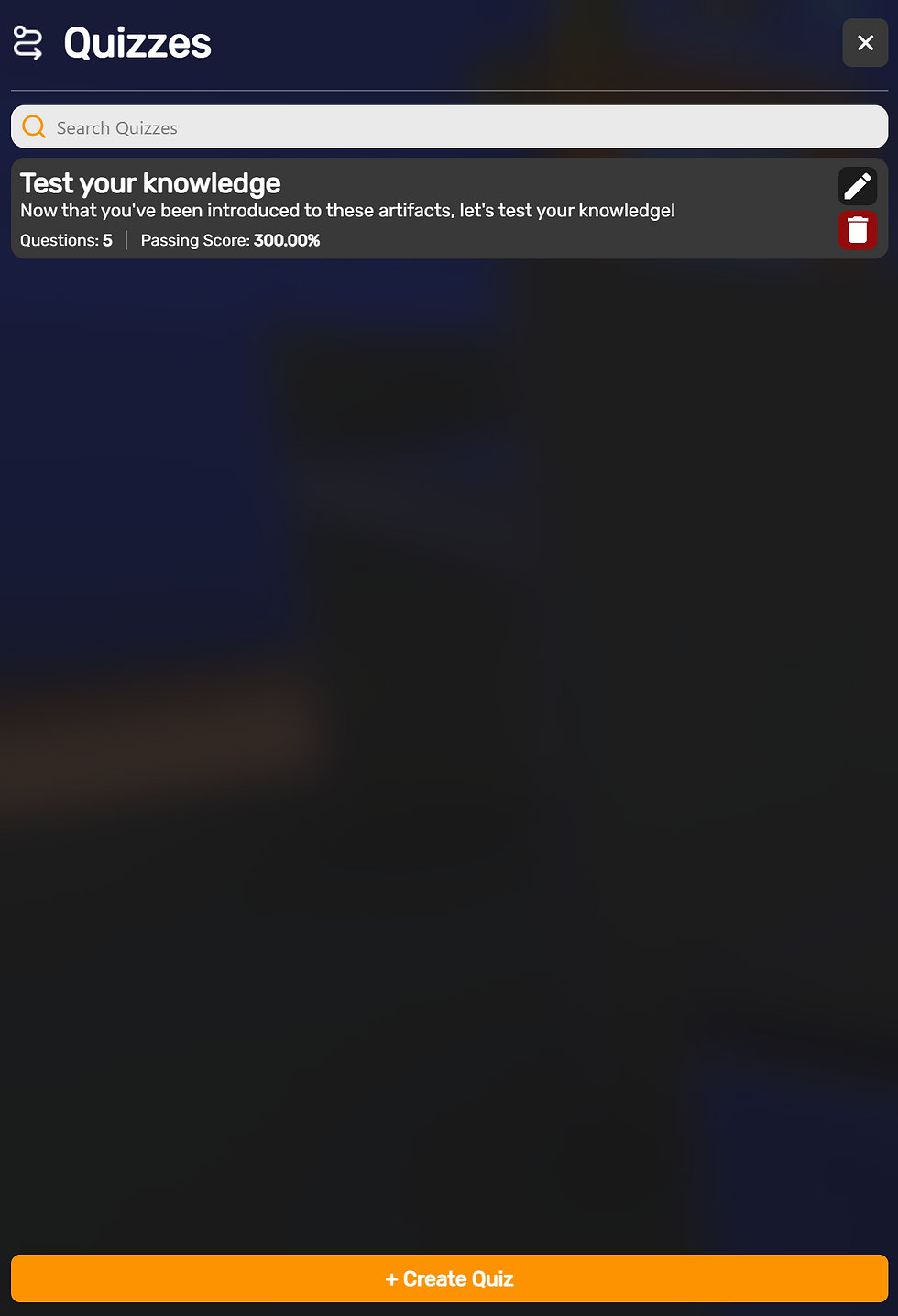
From the left hand menu press quizzes to open the quiz menu.
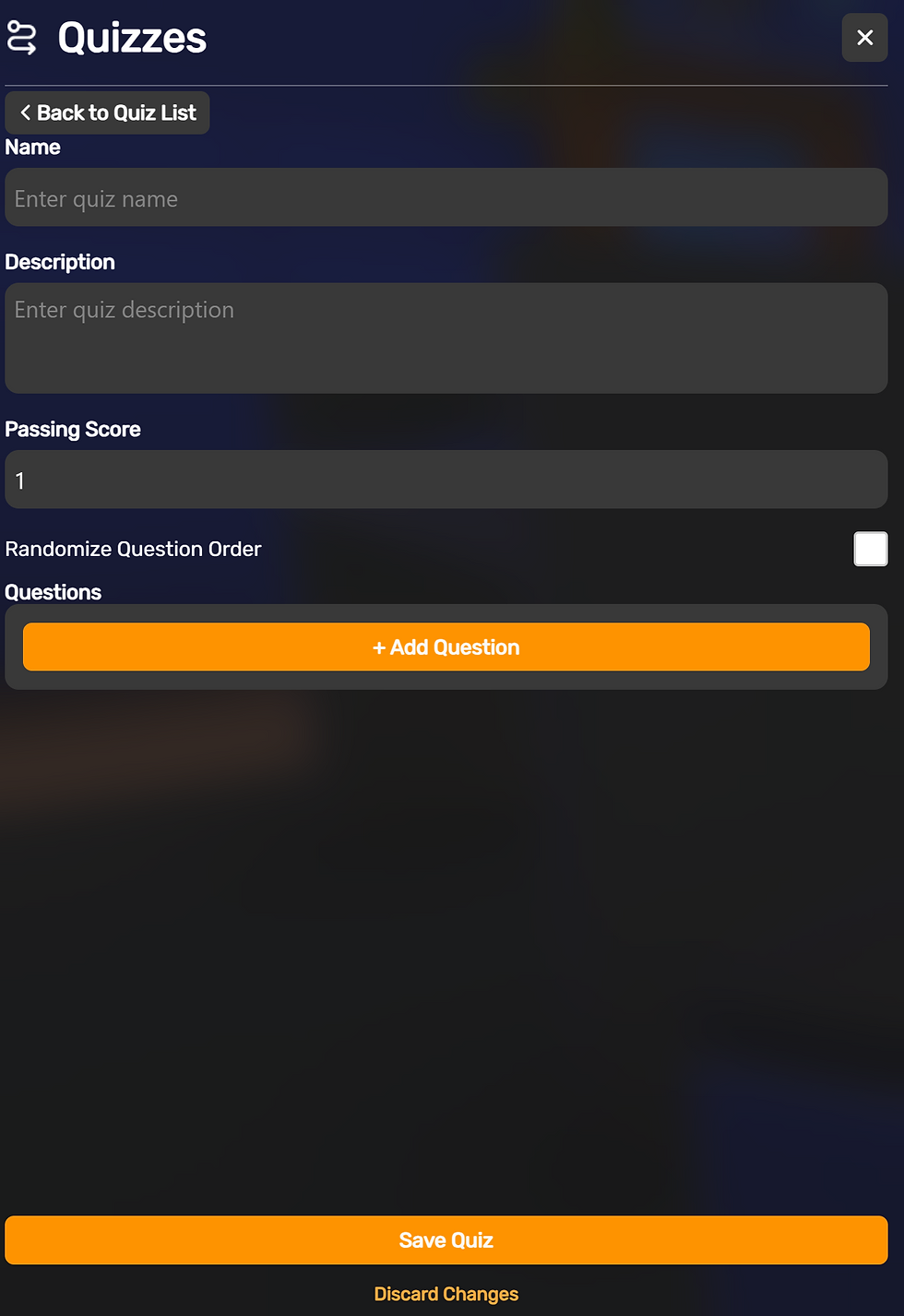
Randomize Questions - When enabled, will shuffle the order of the questions in the whole quiz.
Add Question - Adds a new question to your quiz
Editing a Question

Question Text - This is the text that will be displayed to the viewer.
Question Type - A Single choice means the question only has 1 correct answer. Multiple Choice means the question can have multiple correct answers.
Passing Score - The number of correct answers needed to Pass. (see more on missions)
Randomize Answer Order - When enabled will shuffle the answer order randomly for each person taking the test.
Question POV- Much like how tours work, you can define a specific camera view to be set when presenting a question to the viewer. This is very useful for leveraging content within your sagen as a basis for the contents of your question.
Preview the POV - sets the camera to the saved POV
Delete Question POV - Removes any POV set for the question
Set Question POV -Adds the current camera view as the view that will be seen when this question is shown.
Answers
Toggle Correct Answer - When enabled, toggles this answer as the correct answer.
Answer Text - What text the viewer sees for this answer - Note - longer answers may impact user experiences on mobile devices.
Answer Reinforcement - When answered this optional secondary message can be displayed. Use it to help reinforce correct answers, or coach the user on making the wrong choice.
Add Reinforcement Audio - An optional sound effect that plays when the reinforcement text is shown.
Note -questions only support a maximum of 4 answers.
Note - Be sure to Save your Questions. As closing the menu can result in lost work.
Manging Question Order and Editing Questions

Using the menu on the right you can edit, delete or reorder your questions - Note if random order is on, this order will be shuffled.


